Daily brief
Daily brief for 28 April 2026
By Steven Sorensen · 28 Apr 2026
At a glance
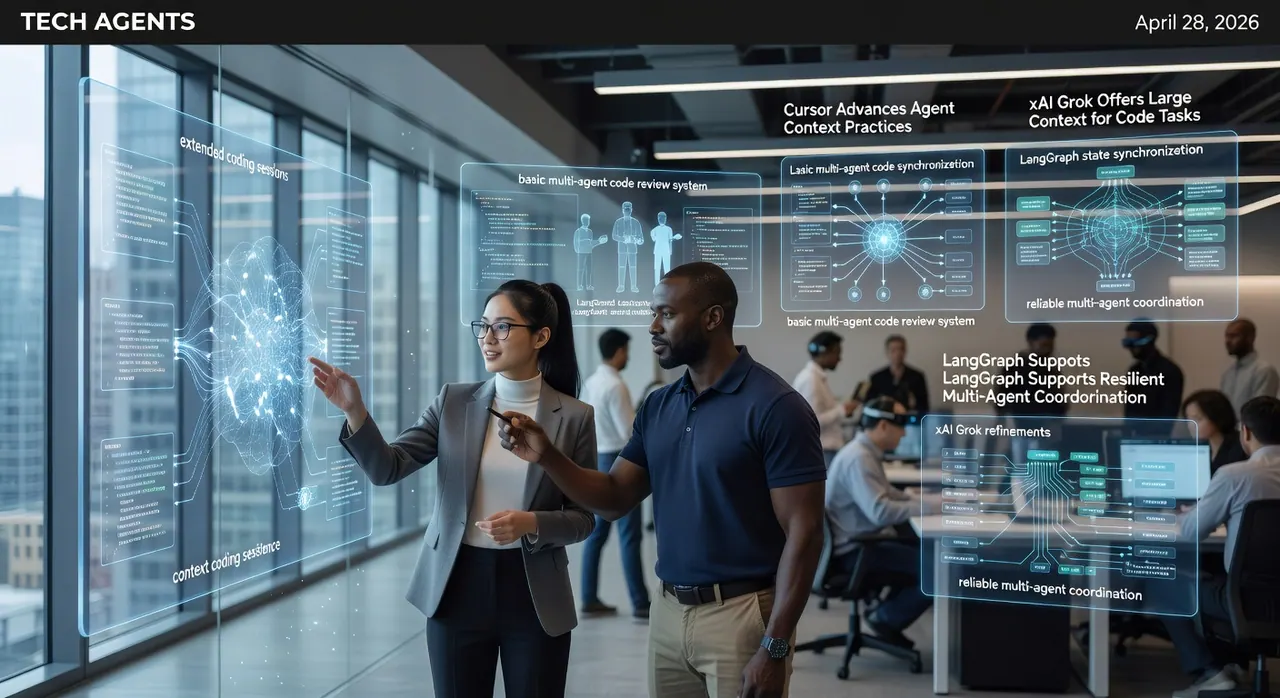
- Cursor has expanded agent memory management to maintain context across extended coding sessions.
- LangGraph updates improve state synchronization for reliable multi-agent coordination.
- xAI refinements to Grok enhance its handling of large codebase navigation tasks.
- The tutorial implements a basic multi-agent code review system using current LangGraph patterns.
As we progress through 2026, agentic coding has become central to modern developer productivity. IDEs like Cursor are evolving beyond simple code completion to serve as orchestration hubs for specialized AI agents that persist context, delegate subtasks, and maintain project awareness over time. This reduces context-switching costs that have long plagued complex software engineering. Simultaneously, frameworks such as LangGraph are maturing to address the coordination challenges inherent in multi-agent systems, particularly around shared state, error recovery, and orderly handoffs between agents performing distinct roles like research, implementation, validation, and documentation. On the model front, xAI continues refining Grok to better interpret intricate dependency structures and architectural patterns common in enterprise codebases. These advancements arrive at a moment when teams increasingly seek to embed RAG pipelines directly into CI/CD workflows, allowing agents to reference live documentation, historical decisions, and runtime telemetry without manual prompting. The cumulative effect is a measurable shift toward AI as genuine collaborative partners rather than intermittent assistants. This brief examines the most relevant updates from Cursor, LangGraph, and xAI, assesses their combined implications for day-to-day development, and supplies a concrete tutorial to help practitioners begin integrating these capabilities immediately. By prioritizing verifiable improvements grounded in official changelogs and documentation, the goal remains practical acceleration of reliable, high-quality software delivery rather than hype around unproven breakthroughs.
Top Stories
Cursor Advances Agent Context Practices Cursor’s agent best practices guide emphasizes using Plan Mode and saving plans to .cursor/plans/ for persistent context that aids resuming work and providing reference for future agents in the same project. This supports better continuity without repeated context injection.LangGraph Supports Resilient Multi-Agent Coordination Per the LangGraph repository, the framework enables controllable agents with long-term memory, customizable architectures and human-in-the-loop patterns to handle complex tasks and shared state reliably.
xAI Grok Offers Large Context for Code Tasks xAI docs highlight Grok 4.20 with 1M token context window, enabling it to process large codebases and complex structures for reasoning tasks.
Practical Impact Analysis
The combination of Cursor agent planning practices, LangGraph coordination capabilities, and Grok’s large context creates workflow efficiencies for development teams. Engineers can use Cursor plans for continuity while feeding outputs into a LangGraph-orchestrated pipeline powered by Grok. This setup helps reduce repetitive context loading.In CI/CD contexts, teams can embed LangGraph flows that trigger on pull requests, routing changes to parallel agents for static analysis, documentation updates, and regression test generation. Grok’s improved codebase navigation ensures these agents correctly identify downstream impacts across microservices or shared libraries, raising the quality bar for automated gates before human review. The net result is shorter feedback loops and fewer production incidents traceable to overlooked dependencies.
For individual productivity, the reduced need to restate project norms inside Cursor frees cognitive capacity for creative problem solving. Developers report being able to maintain larger mental models because the IDE and agent layer handle more of the mechanical cross-referencing. Organizations adopting these patterns early are positioning themselves to scale engineering capacity without proportional headcount growth, provided they invest in clear agent role definitions and evaluation criteria. The tutorial below supplies a minimal working example that can be extended inside Cursor to experiment with these concepts immediately. Overall, the verified improvements emphasize reliability and context retention over flashy new UI elements, aligning with the pragmatic needs of production software teams.
Recommended Tutorial Idea
Implementing a Multi-Agent Code Review System with LangGraphfrom typing import Annotated, List, TypedDict
import operator
from langgraph.graph import StateGraph, END
class AgentState(TypedDict):
messages: Annotated[List[str], operator.add]
next: str
def security_agent(state: AgentState) -> AgentState:
# In production, invoke LLM with security-focused prompt
return {
"messages": ["Security scan: No critical vulnerabilities detected."],
"next": "style_agent"
}
def style_agent(state: AgentState) -> AgentState:
# In production, invoke LLM with style and readability prompt
return {
"messages": ["Style check: Follows project conventions."],
"next": "supervisor"
}
def supervisor(state: AgentState) -> AgentState:
# Aggregate feedback and decide
feedback = "\n".join(state["messages"])
conclusion = f"Review complete. Summary:\n{feedback}\nFinal status: APPROVED"
return {
"messages": [conclusion],
"next": END
}
# Build the graph
workflow = StateGraph(AgentState)
workflow.add_node("security_agent", security_agent)
workflow.add_node("style_agent", style_agent)
workflow.add_node("supervisor", supervisor)
workflow.set_entry_point("security_agent")
workflow.add_edge("security_agent", "style_agent")
workflow.add_edge("style_agent", "supervisor")
workflow.add_edge("supervisor", END)
app = workflow.compile()
# Example usage
initial_state = {
"messages": ["Review this function:\ndef add(a: int, b: int) -> int:\n return a + b"],
"next": "security_agent"
}
result = app.invoke(initial_state)
print(result["messages"][-1])New: The AI-Dev Prompt Pack, 40 tested prompts for Claude Code, Cursor, and Gemini CLI.
See the Prompt Pack