
At a glance
Claude Corner tip- Claude Code v2.1.285 adds
claude plugin configure, which shows a plugin’s options and which are unset, or saves values piped into--values-stdin. claude plugin install --confignow also takes<server>.<key>=<value>for a bundled.mcpbserver’s own settings, and--values-stdindoes not accept those keys.- The plugin docs pages still describe only
/plugin configureand--config KEY=VALUE, so check--helpbefore scripting.
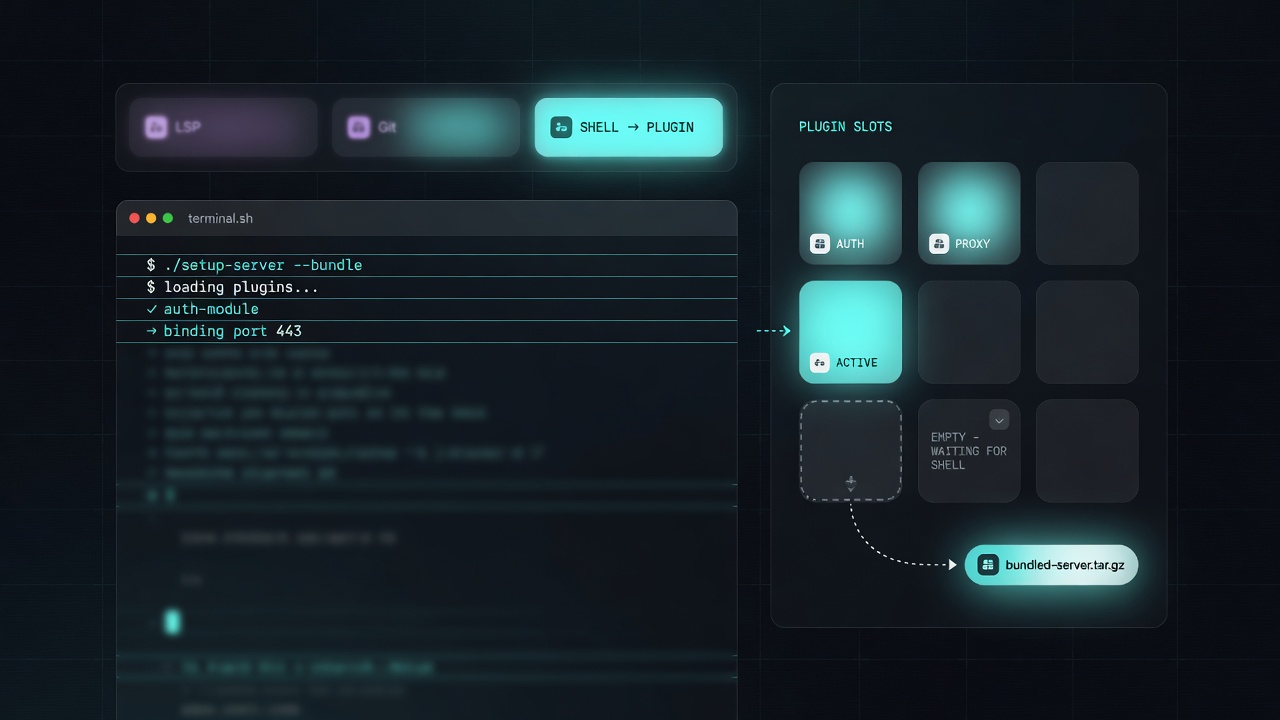
You run claude plugin install in a script or a shared image, it reports success, and the tools you installed the plugin for never show up. The install command never prompts for userConfig values, since the dialog exists only in the interactive /plugin interface, so it saves only the --config KEY=VALUE flags you pass and prints userConfig options not yet set when something is empty. Claude Code v2.1.285 (29 Sep 2026) lets you finish that setup from the same terminal.
Why it matters
A plugin can bundle an MCP server as an .mcpb file (or the older .dxt format), and that server can need its own configuration. The v2.1.285 changelog fixes Claude Code silently skipping such a server that still needs configuration, so now /plugin, the install message and claude plugin install say so and point to Configure. If an MCP URL is built from a ${user_config.*} option that is still empty, the error reads URL is unset or invalid, and the troubleshooting page says to set that option.
How to set the options from the shell
The ids and values below are placeholders for your own plugin, options and server.
- Run
claude --versionand expect v2.1.285 or later, then runclaude plugin list --jsonto copy the exactname@marketplaceid. - Pass what you know at install, one
--configper value. A plainKEY=VALUEsets auserConfigoption the plugin declares, while<server>.<key>=<value>sets a bundled server’s own setting, where<server>is thenamein the.mcpbmanifest and not the plugin id. The default scope isuser. - Run
claude plugin configure sentry-triage@acme-toolsto see the plugin’s options and which are unset. - To fill
userConfigoptions later, pipe a JSON object of single-line strings into--values-stdin. Options you leave out keep their values. Bundled server keys go throughinstall --configinstead. - Restart Claude Code, because in a local check on v2.1.285
configureended with a restart reminder.
To verify, run claude plugin configure again and check that the required options are set. Then claude mcp list should show the server as plugin:<plugin>:<server> with a health status, and /mcp shows whether it is connected.
Gotchas
- Options marked
sensitivego to the macOS Keychain, falling back to~/.claude/.credentials.jsonwhen the Keychain rejects the write or the platform has none, while other answers land underpluginConfigsin your user settings. For a token, use/plugin configurein a session so it stays out of shell history and command lines. - Anthropic documents neither these shell commands for Claude Desktop nor the Claude Code version each Desktop build bundles, although Desktop shares
~/.claude/settings.jsonwith the CLI, so run them in a terminal. - For another use of
pluginConfigs, see Claude Code v2.1.277 Can Keep Shared AGENTS.md When CLAUDE.md Exists.
Recommended AI prompt
Copy this paragraph into ChatGPT, Claude, Gemini, Grok, or whatever AI you use.
I am on Claude Code v2.1.285 or later and will paste the output of claude --version, claude plugin list --json and the install output for each plugin. For each plugin, keep three things apart: userConfig options, which claude plugin configure name@marketplace lists and --values-stdin fills from a JSON object of single-line strings, bundled .mcpb server settings, which go through --config server.key=value on claude plugin install, and sensitive values, which should not go on a command line. Give me the exact commands for only the gaps the output shows, remind me to restart Claude Code, and end with a verification list using claude plugin configure, claude mcp list and /mcp. Do not invent option names, server names or flags I did not paste, and ask me for anything missing before you answer.
Sources
- GitHub release v2.1.285
- Troubleshooting (userConfig dialog never appears)
- Plugin components (when the configuration dialog appears)
- Claude Code changelog (2.1.285)
- Troubleshooting (Invalid MCP server config)
- Plugin commands reference
- GitHub release v2.1.285
- Plugin components (MCPB server name)
- MCP (plugin server names and health status)
- Settings reference (pluginConfigs)
- Claude Desktop (shared configuration)
- AIDevPulse Sep 22 Claude Corner
Recommended AI prompt
Explore each Top Story in Grok. Links open in a new tab. On phones, the same link may open the Grok app if you have it installed (via your device's normal link handling).
Article: Claude Code 2.1.285 Sets Plugin and Bundled MCP Options From the Shell
Privacy: links open grok.com in your session only. AIDevPulse does not run your prompts through our API.
1 thought on “Claude Code 2.1.285 Sets Plugin and Bundled MCP Options From the Shell”